Capture without the shutter sound
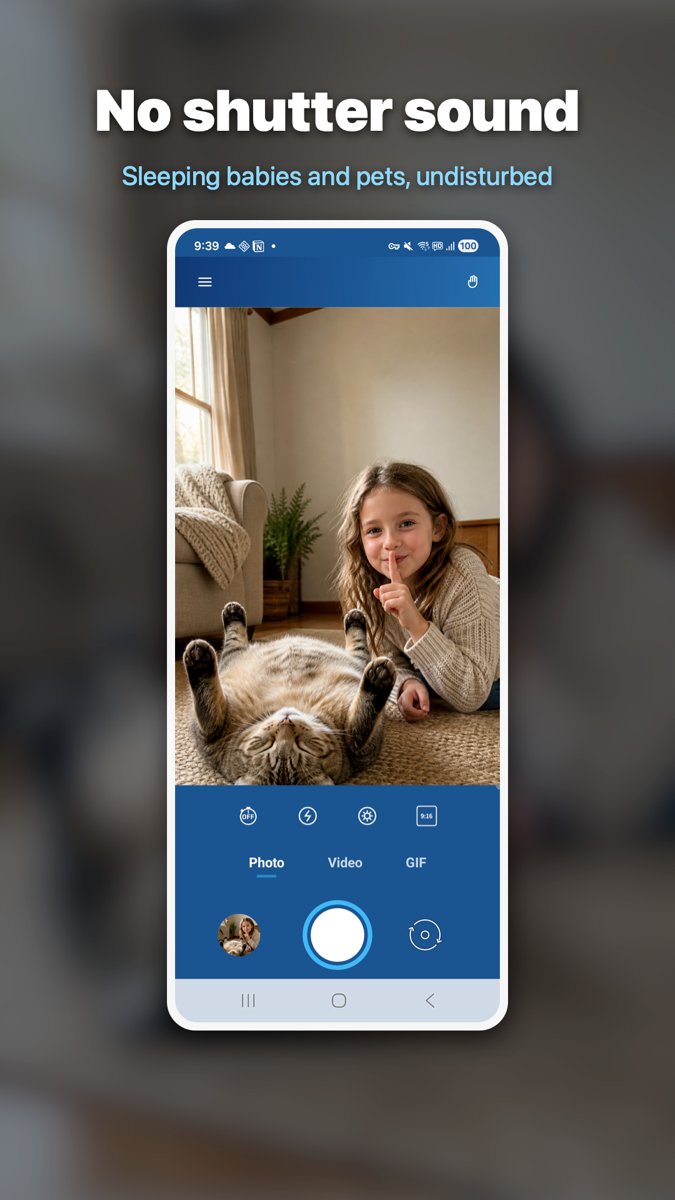
Photos, videos and GIFs, all silent. Video records sound through the microphone, but that audio is never stored separately and never leaves the device.

Hush Cam is an Android app that takes photos, videos and GIFs without a shutter sound: next to a sleeping pet, or in libraries and concert halls. What you capture stays in your device's storage, and the app has no feature that uploads it anywhere.
My cat is asleep by the window. That particular pose only happens then. I lift the phone to keep one frame of it, the shutter sound goes off, and an ear moves first. Eyes open, the pose unwinds, and the shot I wanted is gone. The same thing happens when you need to take a photo in a library, or shoot the stage before a concert starts.
So I went looking for a silent camera. What turned looking into building was opening that category. A silent camera uses the exact same feature for good and for harm. The app cannot tell photographing a sleeping cat apart from photographing someone in secret with bad intent.
So this time I spent the effort on drawing a line rather than on adding features. This category is full of apps that black out the screen while recording, or disguise themselves behind a different icon. Hush Cam has none of that. The moment you add it, the app is for something else.
Instead I reduced what there is to protect. No account, nowhere to upload a photo to, and location permission is never even requested. The privacy policy has its own section stating what this app is for.
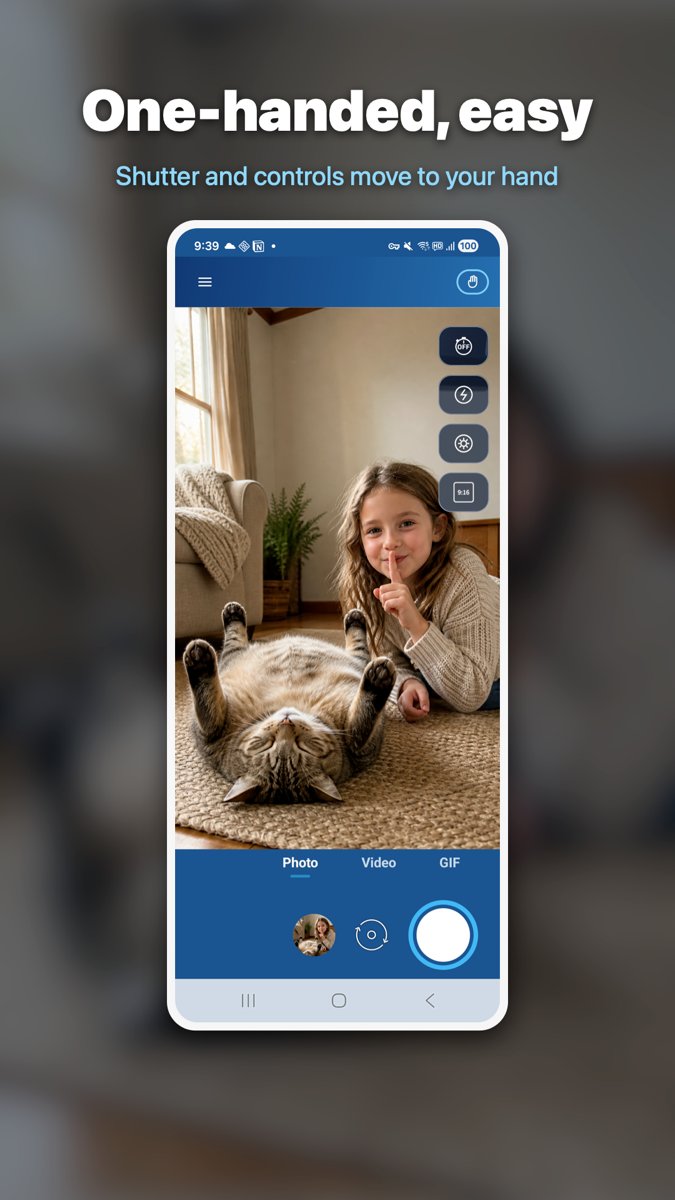
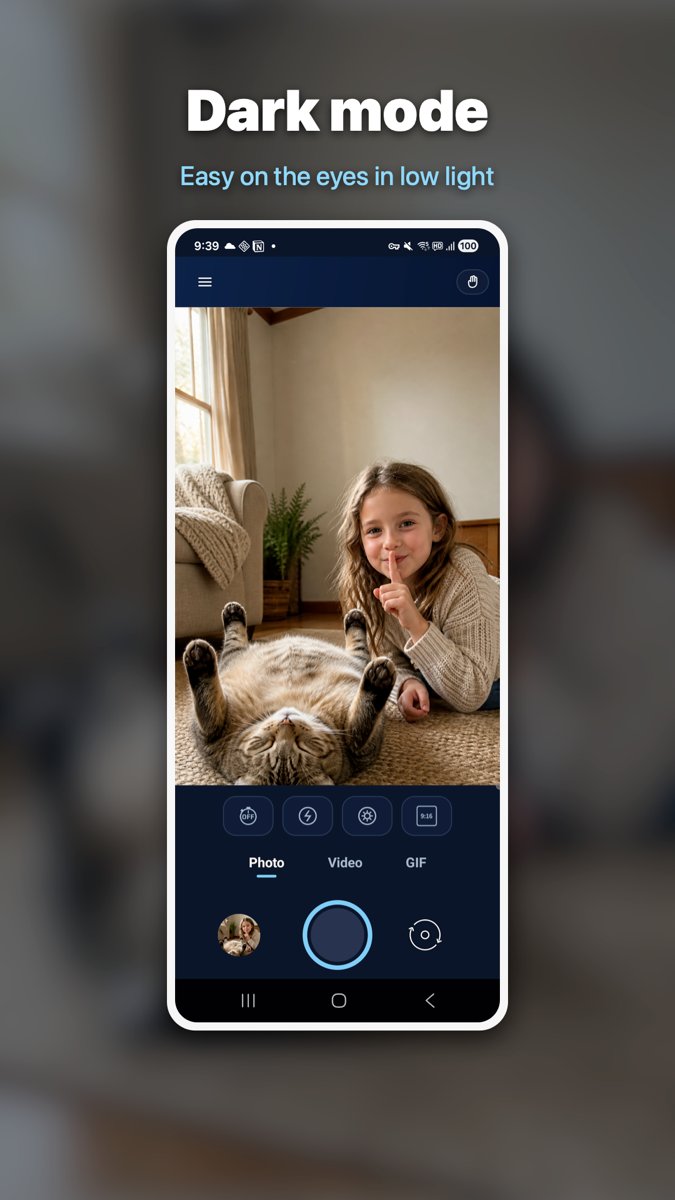
What space was left went to the things that annoyed me while using it. One hand is busy with the cat, so the other one has to reach the shutter on its own. That is where the one-handed layout came from, and a dark mode came with it so the screen does not flare white in an unlit room.

A silent camera that only captures is half an app. What you do right after (pick, decorate, send) has to finish in the same place, or you stop opening it.
Photos, videos and GIFs, all silent. Video records sound through the microphone, but that audio is never stored separately and never leaves the device.
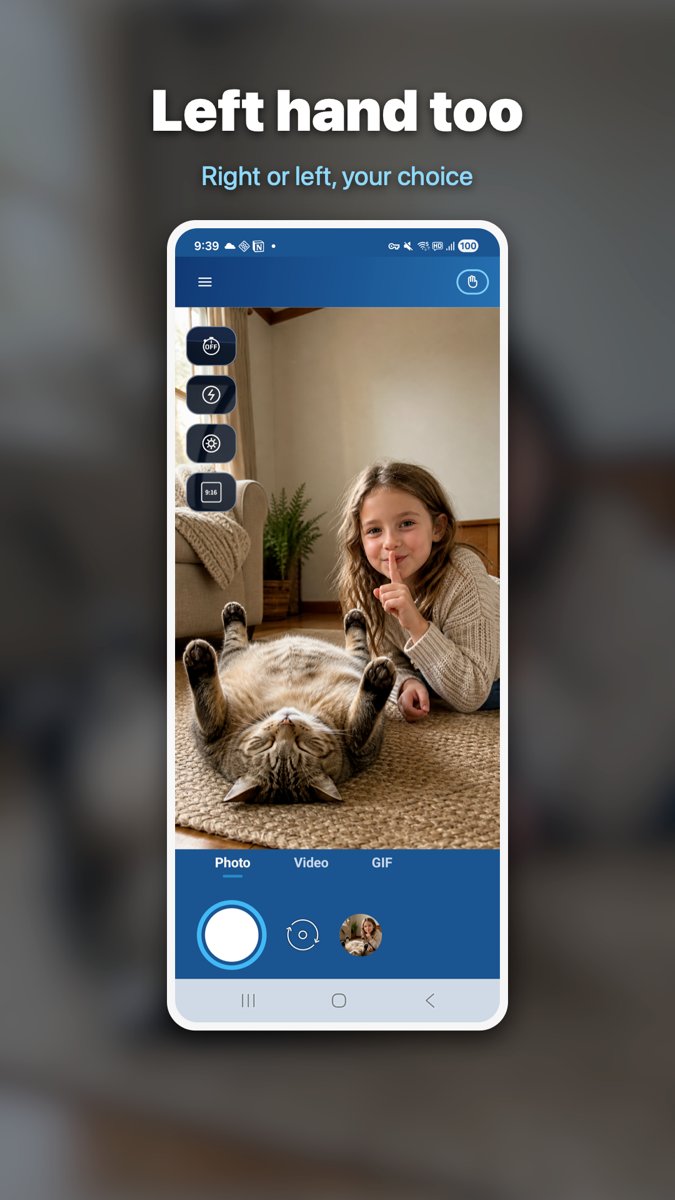
Tap the hand icon in the app bar to cycle off, right hand, left hand. The shutter and the photo/video/GIF tabs move to that side, and translucent chips sit over the preview instead of shrinking it. Your choice is remembered the next time you open the app.
Light and dark are built as two separate sets, not one flipped upside down. Even the capture chips that float over the preview were contrast-measured in both modes.
The in-app gallery only shows what is already on your phone, grouped by album. Neither the list nor the files reach a server; tapping share hands the file straight to the app you pick.
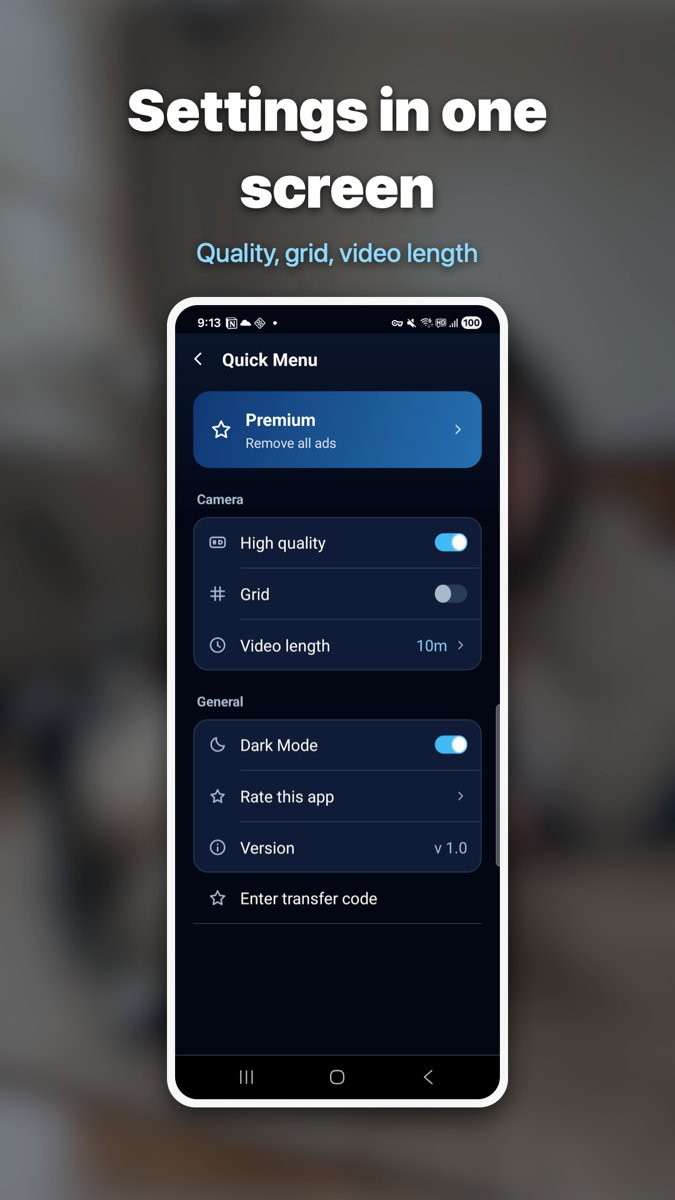
The same five screens we submitted to the store listing.
No law bans camera apps or silent capture as such. What is punished is photographing another person's body without consent, which in Korea is Article 14 of the Sexual Violence Punishment Act. Hush Cam is provided for legitimate use, such as photographing a sleeping pet or child or shooting in places that should stay quiet, and you bear responsibility for any unlawful use.
No. Photos, videos and GIFs you capture or edit are kept only in your device's storage, and the App has no feature that uploads them. There is no sign-up, no login, no account. Details are in the privacy policy.
Tap the hand icon in the app bar and it cycles off, right hand, left hand, off. There are no hidden gestures. Turning it on brings the shutter and the mode tabs down to that side, and the hand you chose is remembered the next time you open the app.
Apps in this category commonly include features that hide the fact you are recording, such as blacking out the screen or disguising the app icon. Hush Cam has none of them. What it has instead is a layout you can reach with one hand, a real light and dark pair, and the whole job after the shot: browse by album, decorate with stickers, text and drawing, and share, all in one app.
To record sound together with video. It is not used for photos, and audio is never stored separately or transmitted. What is silenced is the shutter sound at the moment of capture; the sound inside your video stays.
An advertising ID (AdMob), app events and crash logs (Firebase), and a device token for notices. None of that includes the photos or videos you capture. Location permission is never requested. The item-by-item table is in the privacy policy.
A silent camera becomes a completely different app depending on where its maker draws the line. Every call about what to include and where to stop was mine, and plenty of them were uncomfortable to make alone.
If you spot a feature that strikes you as “this could be dangerous to have”, please tell me. The opposite, “I need to shoot quietly and this is missing”, is just as useful. There is still time to change it before release.